File Setup
Artwork Guidelines
Good files make good printing. This page shows you exactly how to prepare your artwork — and if anything's not quite right, every file gets a free pre-press check before we print.
Why It Matters
Four reasons files deserve attention.
Accurate printing
Properly prepared files mean true colors and clean layouts.
No costly surprises
Issues caught before printing avoid delays and reprints.
Everything in order
Correct setup guarantees your pages flow exactly as intended.
Sharper results
Clean files produce crisp text and vibrant, professional color.
File Formats
What we love to receive.
PDF/X or high-quality PDF, fonts embedded or outlined
AI (Adobe Illustrator), EPS, or layered PSD
Canva works — export as PDF Print with "crop marks and bleed" checked
300 dpi minimum at final size
Bleed & Safe Margins
The 3 mm rule.
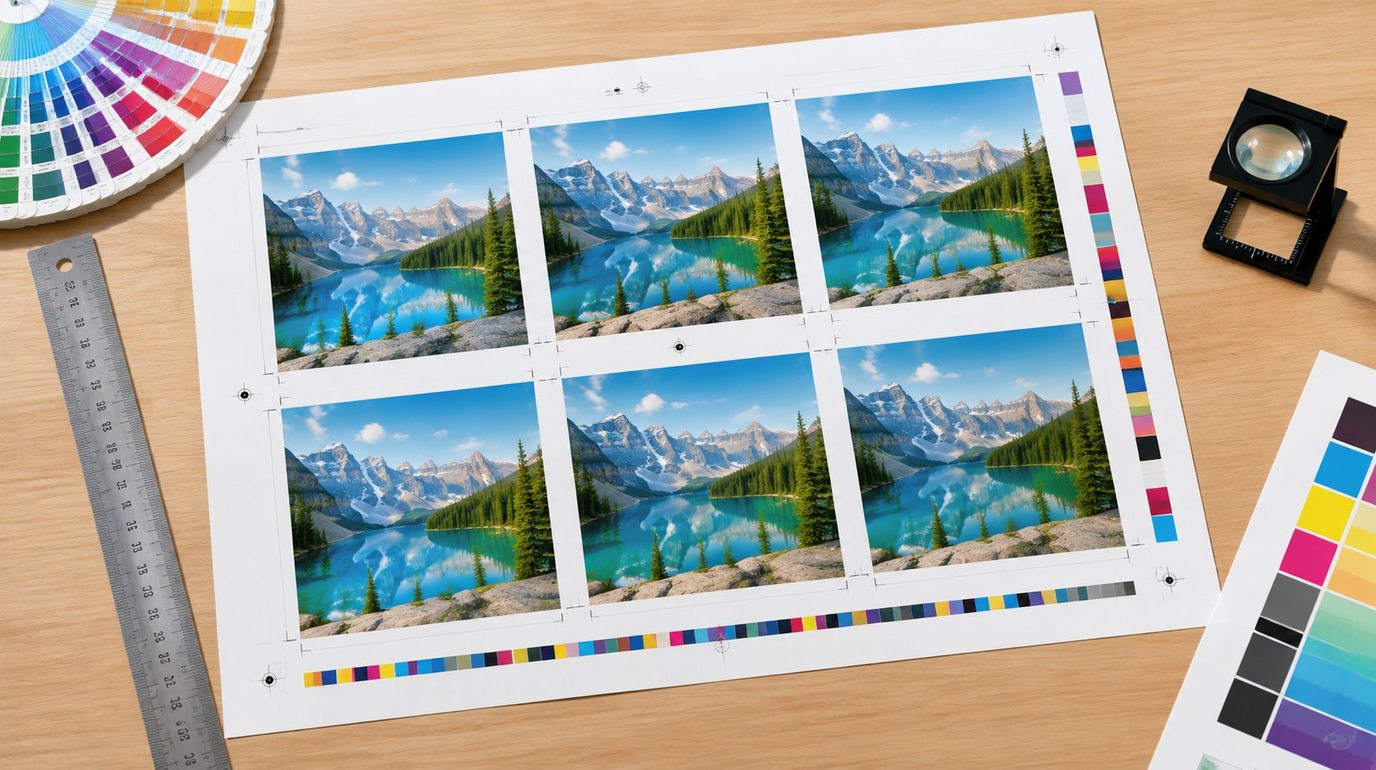
Safe area — keep text & logos 5 mm inside
Bleed: 3 mm (0.125") on every side. Artwork that touches the edge must extend into the bleed so trimming never leaves white slivers. Book spreads: single pages are best; if you design as spreads, tell us — we'll imposition them for you.
Color Mode
CMYK — and Pantone for brand colors.
Design in CMYK. RGB files (web colors) will be converted, and bright neon tones can shift. Brand-critical colors? Give us Pantone (PMS) numbers — our GMG system matches and verifies them against a proof before mass production.
Quick pre-flight checklist
- ✓3 mm bleed on all sides
- ✓300 dpi images at final size
- ✓CMYK color mode
- ✓Fonts outlined or embedded
- ✓Page count is a multiple of 4 (saddle stitch) or 2 (perfect bound)
- ✓Cards: rounded-corner safe zone respected
- ✓Rich black for large black areas: C60 M40 Y40 K100
Common Mistakes
The four we fix most often.
✕Missing bleed
White slivers appear after trimming. Extend artwork 3 mm past the edge.
✕RGB images
Screens use RGB, presses use CMYK — neon tones shift on conversion.
✕Fonts not outlined
Unembedded fonts get substituted, and layouts reflow unpredictably.
✕Web-resolution images
72 dpi screenshots look fine on screen, blurry on paper. Use 300 dpi.
Templates & Dielines
No file yet? We'll draw it.
Tell us your product, size and binding — we'll prepare a free dieline/template with the correct dimensions, bleed and fold marks. The file opens in Illustrator and Canva.
Ready when you are
Send Your Files — Check Is on Us
Free pre-press review with every inquiry. Rough files welcome.
Prefer email? sales@vlikestar.com · +86 135 6042 0130 · Replies within 24h, Mon–Sat